Logo Design Software Review, I have been in the business of brand identity projects with different clients over the course of the last ten years, and the one question that I hear repeatedly is the following: What software should I use to create a logo? The solution cannot be simple since it all depends on your level of skills, your budget and what it is you are actually attempting to accomplish.
I would like to show you what I have discovered after having tried the most popular logo design tools in reality.
Adobe illustrator: The Industry Standard (And Why)
I will be frank, throughout my professional experience in the sphere of logo creation, I have relied on Adobe Illustrator since the beginning of my career. It is not the simplest program to study, and some will find the cost of the subscription (somewhere between 20 and 50 a month, depending on the plan you have) to be painful, but that explains why design agencies all over the world use it.
Illustrator uses vectors graphics, and that is why your logo will always remain sharp in a business card or a billboard. One time, I created a logo that a startup used, which turned out to be three stories high in one of the trades shows. It was also pixel-free, non-blurred since I had created it in Illustrator.
The pen tool is time consuming to master. I recall the initial month of my using of Illustrator as I felt like I was attempting to paint using oven mittens. However, when you learn how Bézier curves work, you are able to have a fantastic control over every line and form. The pathfinder tools allow you to mix shapes in a manner that would be a nightmare in other programs.
The downside? You only need a basic text-based logo of your Etsy store, which is excessive. And it is true to the learning curve- you may expect to spend weeks being comfortable with the basics.
Affinity Designer: The Low End Alternative.
One of my friends requested software suggestions, but she did not want to pay subscription fees; I have referred her to Affinity Designer. It is extremely competent at about 70 dollars as a one time buy.
Affinity Designer is a good tool to work with vectors and has the majority of functions that professional designers can require. I have done a few clients with it, and its export features are also strong enough – you can save each of the formats you will ever require (SVG, PDF, EPS). The interface is not as cluttered as that of Illustrator which some beginners actually like.
The fact that the performance was so smooth, despite having an older laptop, surprised me the most. Illustrator has the tendency to become slow on complicated files, whereas Affinity does not.
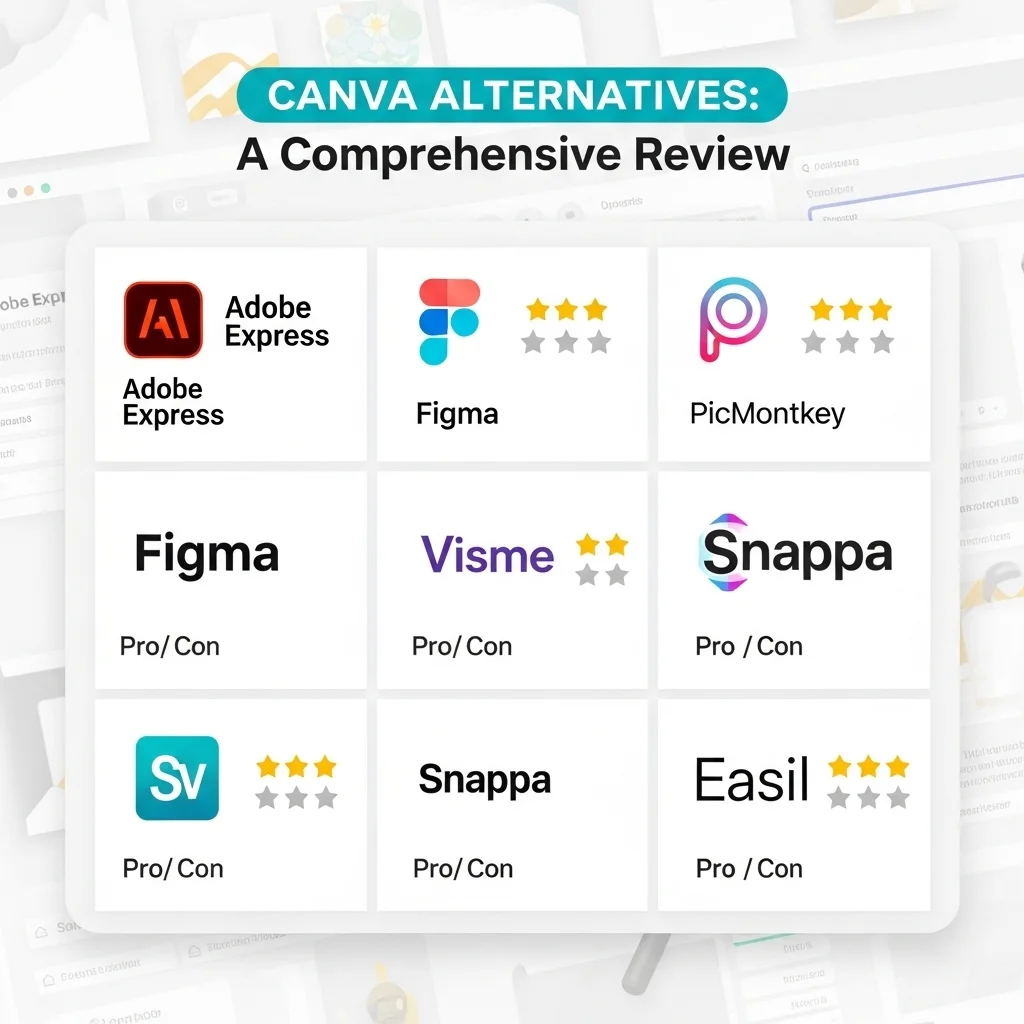
Canva: When Speed Trumps Everything.
I will say that I was doubtful about Canva in logo design. It seemed to be too straightforward, too template-like. However, having observed a number of small business owners creating logos that worked effectively in the brands, I have changed my mind.
The free version of Canva has unexpected features, and the Pro-version (around $13/month) adds more features such as removing backgrounds and storage of brands. I have witnessed bakeries, consultants and craft businesses to make impeccably serviceable logos with lack of design experience.
The strength and weakness of Canva are the template library. Something that is professionally appealing can be done in less than an hour, however, you may notice that the same template is in use by three other companies. My rule is to the user of Canva: customize a great deal. Customize colours, replace parts, edit designs, – do not stick your name on a template.
Looka and Comparable Generators with AI.
Such services as Looka, Tailor Brands and Wix Logo Maker have gone viral. You provide your answers regarding your business, and algorithms develop logo options. Depending on the purchased files and rights, prices usually vary between 20 and 300.
I used Looka in case of a hypothetical coffee shop project. In five minutes I could have dozens of different options. Some of them were generic, though a few of them were actually useful starting points. I can understand the appeal of someone who has no design ability and has a small budget.
These tools, however, do have severe disadvantages. The logos are usually formulaic as they are using the same libraries of symbols. I have also seen the same icon of modern mountain in a logos of a technological startup, a law firm, and a yoga studio.
Inkscape: Open and Unbelievably Good.
Inkscape is worth mentioning in really low-budget cases. It is free and open-source cross-platform (Windows, Mac and Linux) vector software.
I will be honest with you – Inkscape is heavy handed when compared to the paid. The interface has not matured over the years and certain tools operate counterintuitively. However, it is the legal vector programs, which are capable of delivering professional logo.
I have suggested Inkscape to students and no-profit customers who required competence without expense. It was used by one of the volunteers to design a logo of a community garden that even five years down the road, remains excellent. Its native file type of SVG is web-friendly which is in fact an advantage.
What I Actually Recommend
Bite the bullet and either learn Illustrator or spend money on Affinity Designer in case you are a professional, or a serious hobbyist. The abilities make the price or effort worthwhile.
Canva Pro serves the needs of a small business owner in need of something decent without employing a designer, just customize it to the fullest.
In the event that you really are tight in terms of money and you have time to learn, then Inkscape is my first recommendation before spending money on AI generators.
The AI logo mills should be avoided in case you have any business growth in mind. That is $30 you will save today that you will spend thousands of dollars rebranding in the future after you find out there were restrictions on file accessibility or you see your logo on your rival website.
FAQs
Is it possible to come up with a professional logo without having experience in the field of design?
Yes, with such tools as Canva or Looka, but the results are best with simple and simple-looking logos. Professional assistance is good in the context of complex brand identities.
Which file formats do I require on my logo?
Minimum: one vector file (AI, EPS or SVG) to be scaled, high-resolution PNG files with a transparent background to be used on a daily basis.
Is adobe subscription worth it only to design logos?
It is unlikely to be true in case you are creating one of the logos of your own business. Yes, definitely in case of continued designing or work.
Is it possible to patent a template-based logo?
Probably, but highly tailor-made versions have greater chances. Templates that have not been adjusted can be rejected because of being too generic.
What is the distinction between raster and vector graphics?
Mathematical formulas are used by vectors and therefore they expand indefinitely without any loss in quality. The pixels are called Rasters and become blurred when they are increased in size, not good with logos.