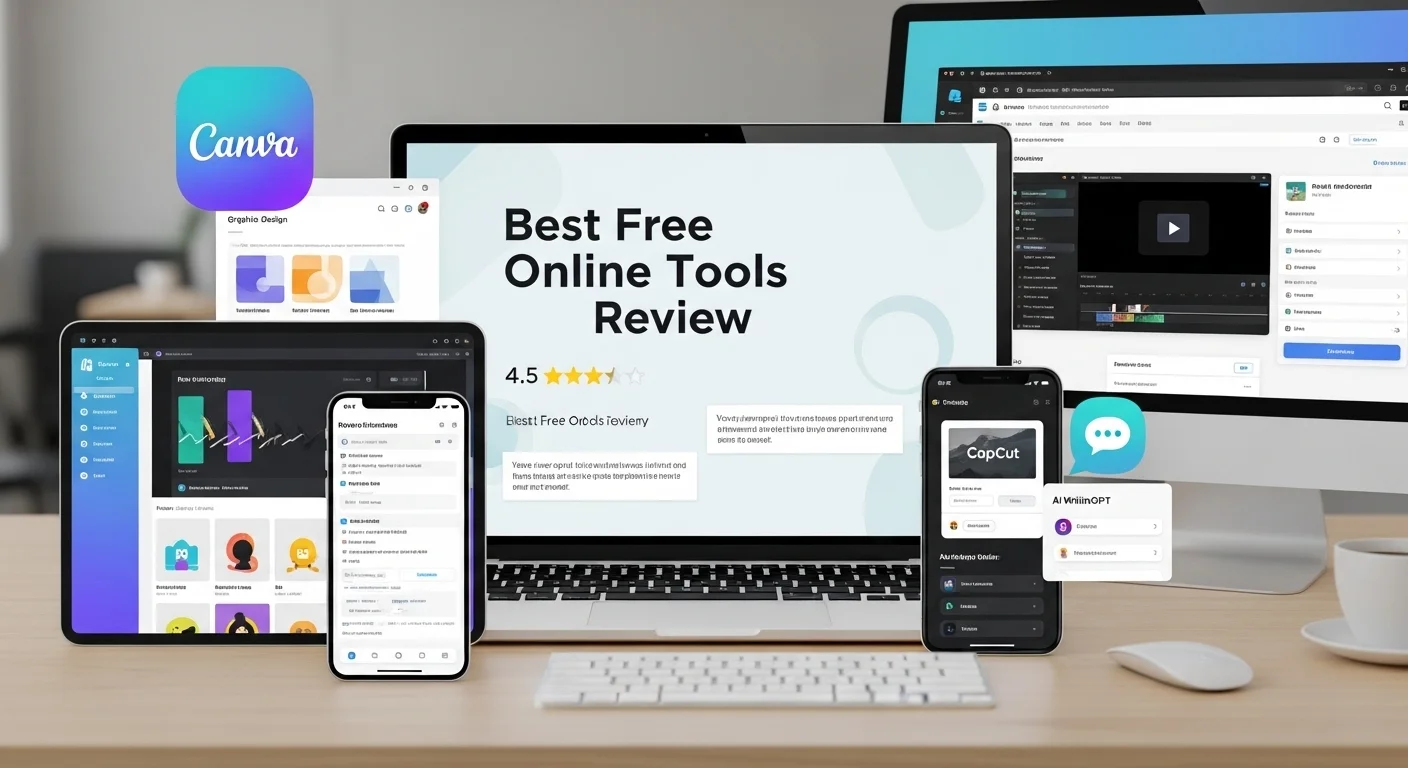
Best Free Online Tools Review, I want to come out clean about one thing- I have spent shameful hours trying free online tools in the past years. Others on client projects, others on personal productivity experiments and to be honest, just out of curiosity. Lists of the 100 best free tools are clogging the internet, yet most of such articles have undoubtedly been authored by someone who never went beyond a landing page.
It is not a usual review. These are the tools, which I really used, suggested to my colleagues, and even trusted to do actual work in some instances. I will also inform you of the areas where they fail, as there is nothing that is a free tool and is flawless.
Why Free Tools Are more important than ever.
Freelancers, small business owners, students and even those in bigger organizations are continually faced with the burden to do more with less. Software licenses are expensive to maintain – even Adobe is $600 a year. Free versions are now far better and there are those that actually compete with their high-end versions on functionality.
With that said, there are never no tradeoffs when it comes to free. In some cases, it can be storage capacity, in some cases watermarks, sometimes learning curve, or sometimes your data is the product itself. Being familiar with what tools offer the most appropriate balance is what makes the difference between the really useful and the well-sold ones.
Design & Visual Content
Canva is now all but synonymous with the idea of free graphic design, and rightfully so. The free will provide you with access to thousands of templates, a good image library and a simple drag-and-drop interface that actually does not need you to have any design experience.
I have applied it to produce social media graphics, presentation decks, and even plain infographics to reports. The free version is suitable in the majority of typical applications. The frustrating part comes in where the premium template trap comes in, you will be designing something then fall in love with a template and then realize that the most important thing is behind the subscription. It is a slight, but frequent irritation.
Remove.bg
Removal of backgrounds used to involve knowledge of Photoshop, which is not common with most people. It takes remove.bg a few seconds, and the quality of the results is truly impressive in case of regular product photographs or portraits. It has been used in product listing on e-commerce and works incredibly well.
Writing & Editing
The free version of Grammarly identifies rudimentary grammar and spelling errors and some punctuation problems. It is not perfect – I’ve noticed it assertively postulate some changes which were, in fact, misplaced in context – but it is a good second draft before any written work can be submitted.
The tone suggestions and plagiarism checker are disabled in the free plan and the real power resides in the premium plan. Nevertheless, in the case of typical writing tidy-up, the free-version will be justified.
Hemingway Editor
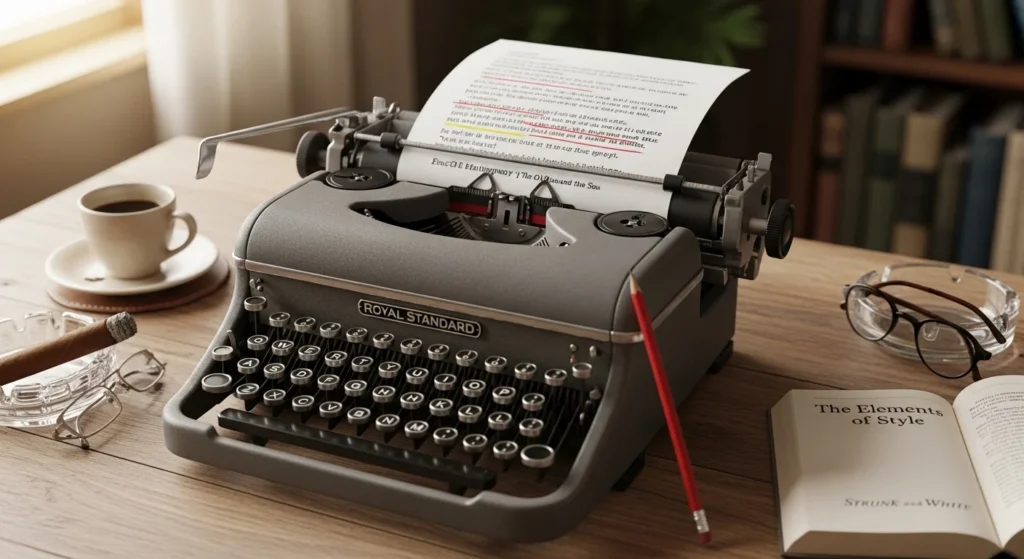
It is a favorite of mine. Enter your text and Hemingway shows excessive complexity of a sentence, use of passive voice, adverb phrases and clarity of reading. It does not imply any particular rewrites – it simply demonstrates you the issues and leaves you to resolve them by yourself, which I personally like. It preserves the tone of your voice.
Productivity & Organization
One such tool is notion which initially seems baffling but once one spends 30 minutes with the tool, it becomes impossible to imagine how one can do without it. It is an all-in-one notes application, project management, database and wiki.
The free version is generous- it has no limit to its pages and blocks that can be used personally. Teams exhaust their limits at a quicker pace, yet to individual users or small groups, it traverses much area. I also keep editorial calendars, research and client project notekeeping in it.
Trello is among the neatest free tools that can be used in visual project management. Cards, boards and lists. Simple. On the free plan, you can have an unlimited number of cards and 10 boards per workspace, which should be sufficient to a small team or be used personally.
SEO & Website Tools
Unless you have Search Console, you are driving blindly, in case you have some webpage. It is totally free, it will show you what search queries are driving traffic to your site, it will also reveal any technical problems and also to keep a track of where you are ranking in the search results. It is professionally level information – and it is free of charge.
Ubersuggest (Free Tier)
The keyword research tool designed by Neil Patel provides a free tool with a minimal experience. You receive suggestion of keywords, estimations of search volume and a simplest competitor analysis. The limitations on the number of searches per day on the free plan are constraining when conducting extensive SEO research, but when you need to look up a few keywords, or are a small site owner, it is viable.
File & Format Utilities
Turning PDFs into files, compressing files, combining documents, and more — Smallpdf does all of this without messing up. The free version also imposes a limit on a couple of tasks per hour, which is not that inconvenient but can be accommodated in the occasional use. With heavy workflows of documents, you will soon run into that wall.
WeTransfer
Transferring huge files without creating cloud storage profiles is still quite up-to-date. The free account of WeTransfer allows transferring up to 2GB of files, but the files are stored to be downloaded within one week. User-friendly interface, no recipient account needed. I continue to use it frequently in the process of sending huge video files or design packages to clients not on common drives.
Final Honest Verdict
The most useful free tools are not always the most loaded ones, they are the ones that will address a practical issue and do not remind you that they are seeking your credit card often. Canva, Notion, Hemingway, Google Search Console and WeTransfer are all apps that always provide real value without the free experience seeming like a penalty.
FAQs
Do online free tools have any safety?
The majority of trustworthy tools are not dangerous, yet, you should always read the privacy policy, particularly when using the tools where you post sensitive documents or personal information.
Are paid software substitutes possible by free software?
Yes, in case of simple to intermediate work. Professional or high-volume work is generally at some point in time a paid plan is required.
Are there any additional expenses with free tools?
Occasionally by data collection and upgrade pressure or utilization limits. Learning the business model of a tool will enable you to work smarter with it.
What is the most user-friendly free tool?
Canva to create visual content and Notion to organize are easy to use and have robust free options.
What is the frequency of the change of free tool limitations?
Frequently. Free plans are modified by companies on a regular basis, hence it makes sense to look at the specifics of the existing plans on the websites of the companies to ascertain the exact plans before investing in a workflow.
Leave a Reply